
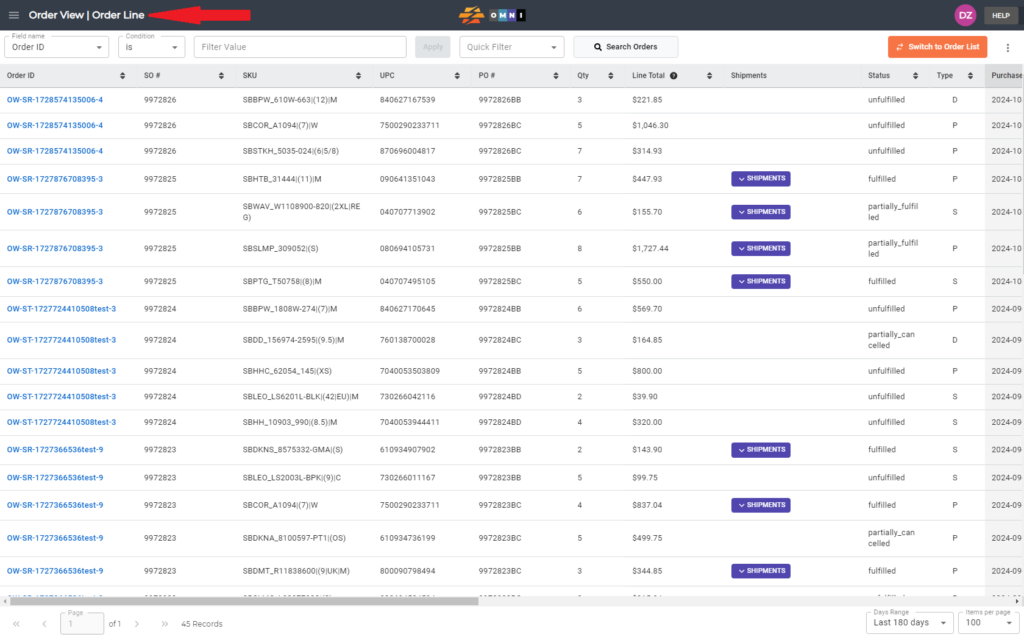
1. Go to the main menu.
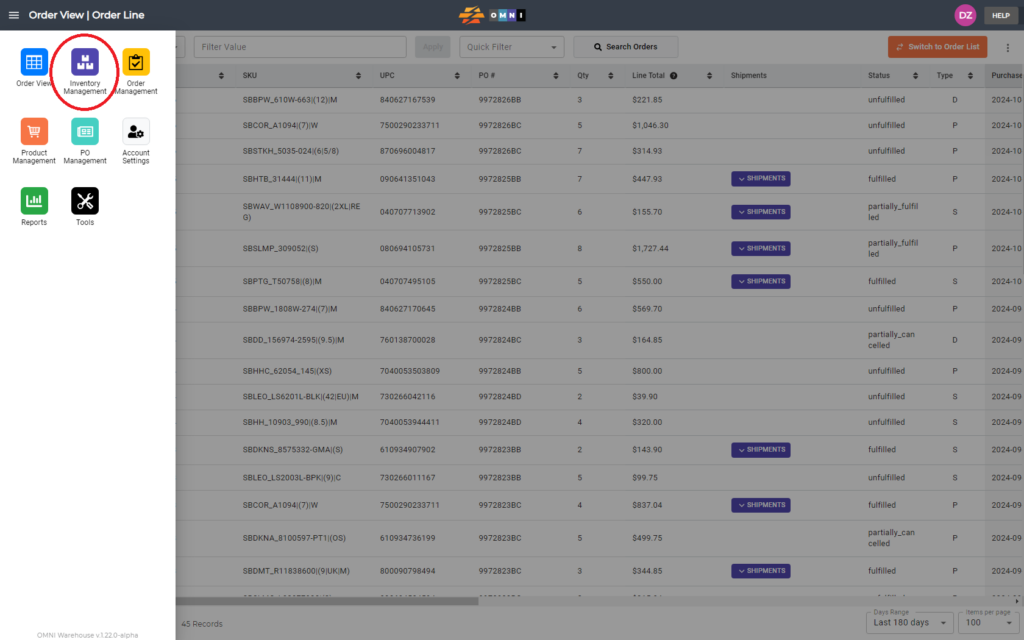
2. Select “Inventory Management”.
3. Select the “Inventory View” submenu.
4. In “Scan zone name” enter the zone name and confirm by pressing the “Scan” button.

5. Lock the zone by clicking on the open padlock button. It should turn red for “Locked”.
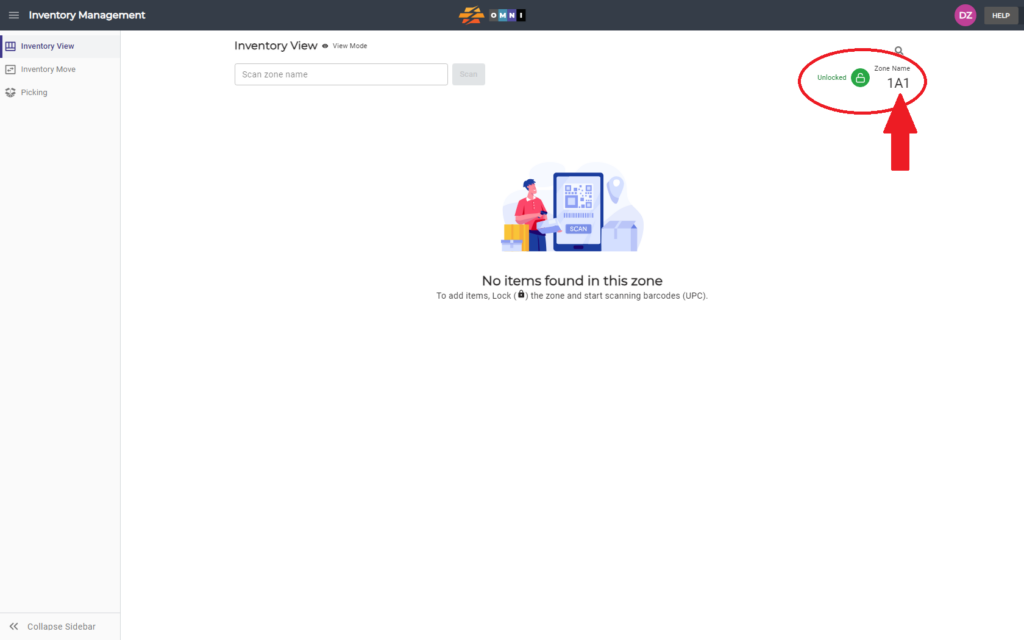
6. After locking the zone, you can now edit the zone. After you are done with the edits, unlock zone so that others can now lock on to edit the zone later.