
Platform components
What CommerceBlitz OMNI is made of, and what each part decides.
Order, inventory and product data usually live in three to five disconnected tools. CommerceBlitz OMNI does not replace those tools. It reads from them and adds one continuously updating layer on top, built from four engines that each answer a different question, in order, and a warehouse system for the buildings that do not have one.
- The four engines
Aggregator, ATS, Balancer and Routes. Each one depends on the answer the one before it produced. Read them in this order and the whole platform makes sense.
- The warehouse system
Most operators already run a WMS and keep it. For the site that never justified an enterprise deployment, CommerceBlitz OMNI includes one, light enough to stand up without IT.
- With CommerceBlitz OMNI
The record on top. Every order, every SKU and every shipment, read by every role from the same numbers.
How the platform is built · CommerceBlitz OMNI
Four engines, one chain.
Each engine answers one question. What do we actually have. What can we actually sell. Who gets to sell it. Who ships it, and did it ship. The next engine works from the last one’s answer, so an oversell, a wrong split or a double shipment has to get past four checks, not one.
Bolt on. Nothing gets ripped out. The engines read from the warehouse system, the channels and the carrier accounts you already run. Where a system cannot connect, a file in and a file out puts it on the record anyway.
Four engines, in the order they run

Aggregator
With CommerceBlitz OMNI
Inventory data arrives from every direction and almost none of it is clean. Aggregator ingests it from vendor portals, distributor feeds, spreadsheets, APIs, FTP and email, parses it and normalizes it, so everything downstream works from one view of the supply network rather than four arguments about it. Add a supplier and you keep sight of what they hold.
Today
Four feeds in four formats, and the one that matters most is a spreadsheet somebody emails on Monday.
What it answers
What do we actually have?

ATS
With CommerceBlitz OMNI
On hand is not available. ATS takes the combined picture, applies the routing rules, subtracts what is already committed, and returns one number per SKU, by ship type, that you can publish without apologising for it later. In the screen below, 7,928 on the shelf becomes 7,915 you can promise.
Today
The channel reads the shelf count, sells the units that were already spoken for, and the cancellation email goes out on Monday.
What it answers
What can we actually sell?

Balancer
With CommerceBlitz OMNI
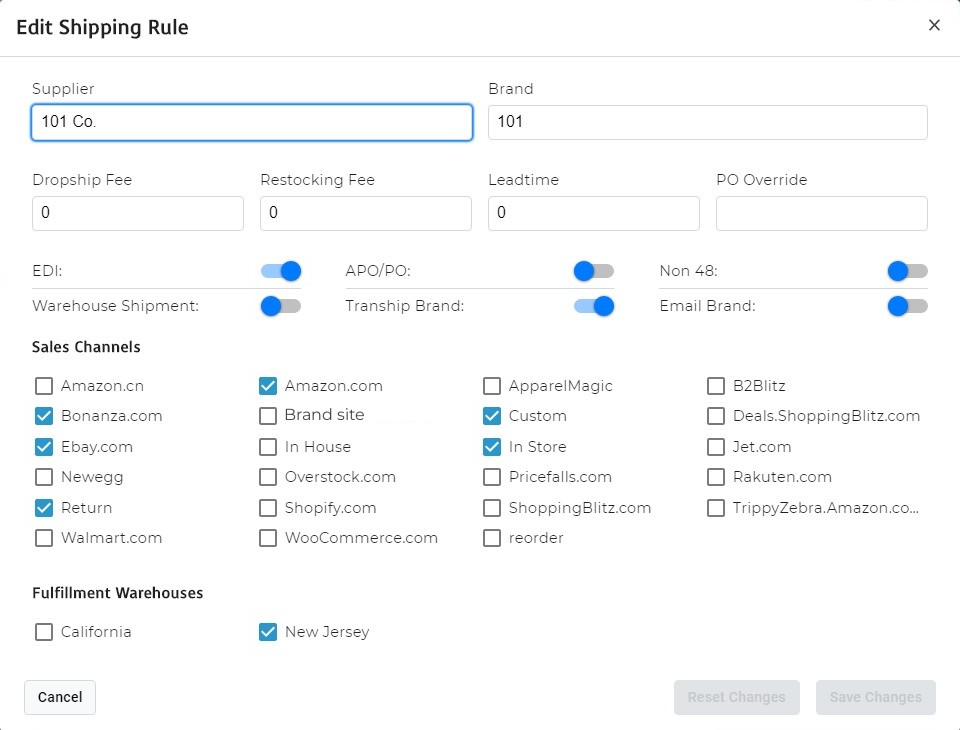
One pool of stock, several storefronts, and no way to promise all of it to all of them. Balancer allocates availability across channels by your rules per supplier and brand, and adjusts raw vendor quantities before they ever reach a listing. Set a threshold and it publishes zero when a vendor drops under it. It syncs on every new order and every inventory change, pushing quantities by API.
Today
The split between channels lives in somebody’s head and a Friday spreadsheet.
What it answers
Who gets to sell it?
Routes
With CommerceBlitz OMNI
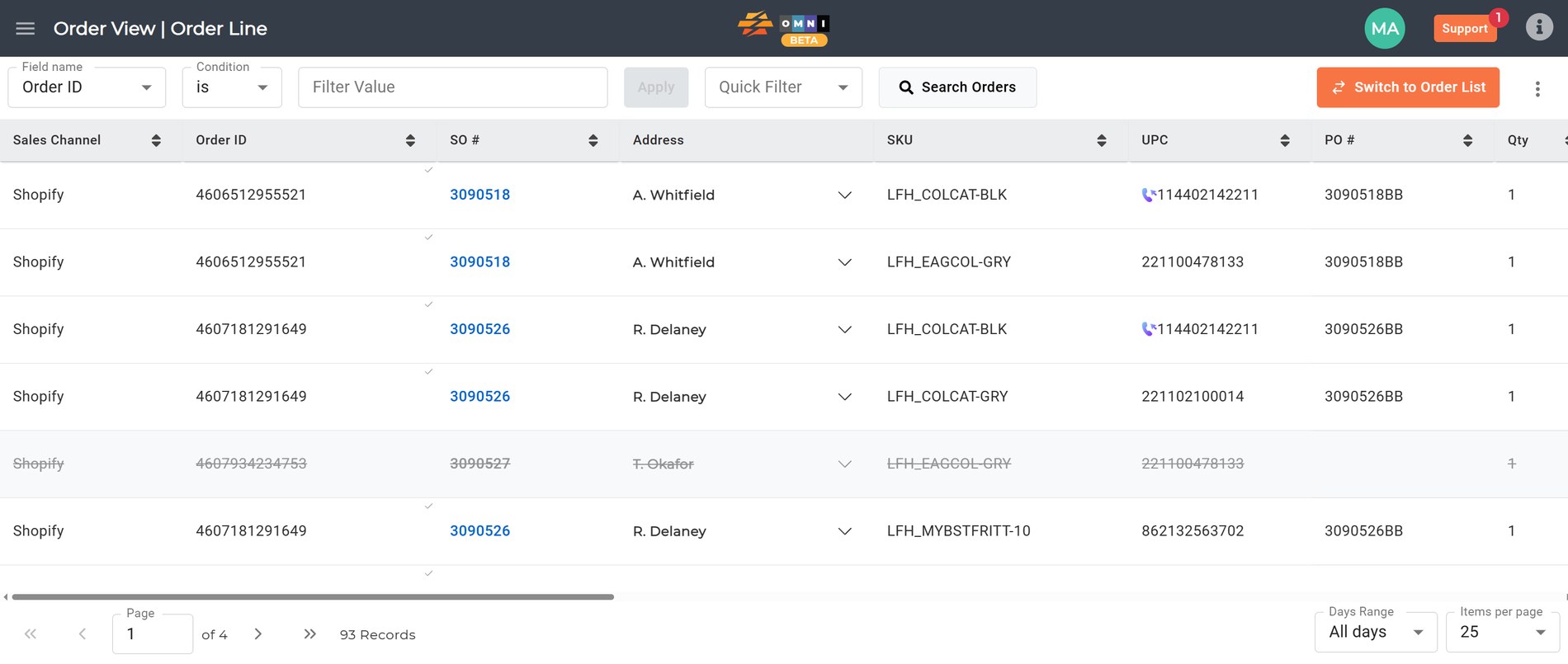
Every order has a best source and several acceptable ones. Routes assigns each one by cost, geography and service level, following a hierarchy you define, owned stock, then 3PL, then FBA, then dropship, with a fallback so nothing sits unfulfilled when the first route fails. Then it keeps watching. Routes monitors the sales channel, the warehouse system and the carrier account on every order. When a tracking number appears anywhere, even on an order a store shipped itself, Routes pulls it in, marks the order shipped so nobody else ships it, and pulls the carrier’s cost for that shipment onto the order.
Today
There is more than one point of failure between an order and a doorstep. Marked shipped in the channel but not the warehouse system, or the other way round; it ships twice, or the tracking never reaches the buyer, and the freight cost turns up on a carrier invoice a month later with no order to match.
What it answers
Who ships it, and did it ship? Routes is the bolt on answer to the errors in a supply chain: it does not need to own every system in the chain to catch what one of them missed.
A warehouse system
The floor, when there is no WMS to bolt onto
With CommerceBlitz OMNI
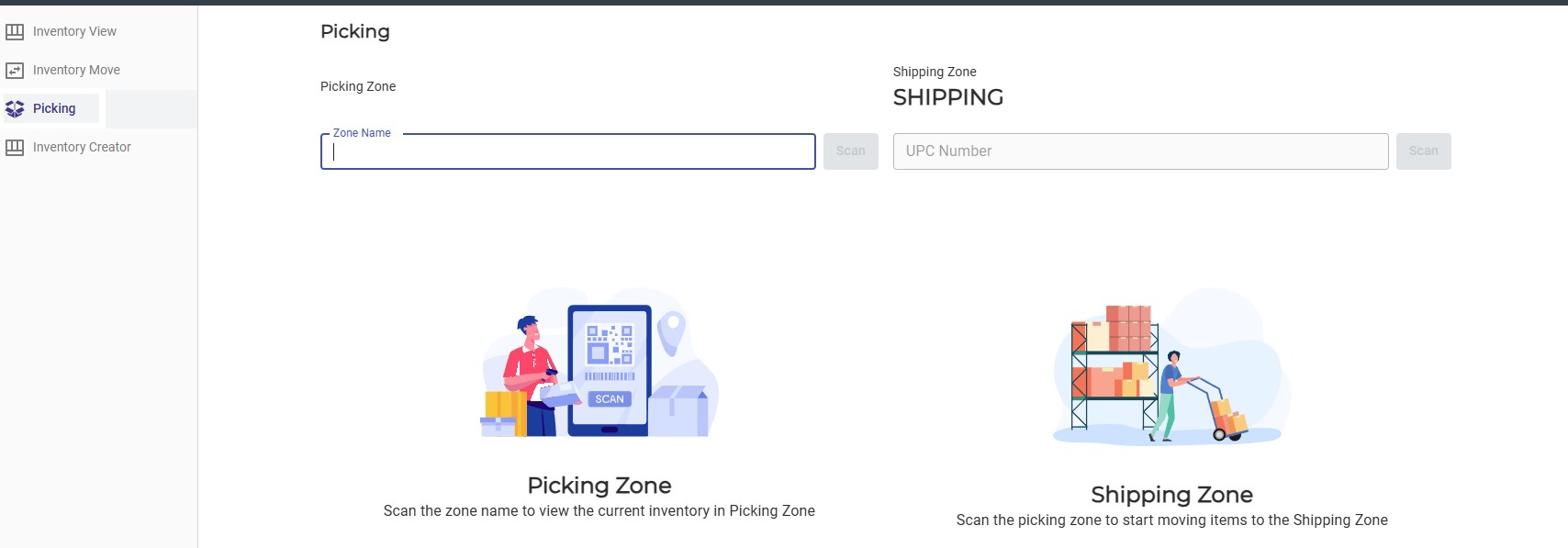
Cloud based, quick to stand up, and configurable without IT involvement. Teams set up locations, zones and pick paths themselves, one warehouse or several. Barcode scanning, lot and serial tracking, real time quantity updates from receiving through shipping. Batch picking, pick tickets from a list of order numbers, label generation and carrier rate shopping. Direct to consumer, wholesale, dropship and FBA workflows in one place.
Today
A site that never justified an enterprise WMS runs on a printout, a spreadsheet and memory, and the cycle count is the first time anyone finds out.
What it gives the record
What left the building, from which zone, scanned by whom. The same order line the rest of the network reads.
Three things that exist because operations are messier than a diagram
Inventory and tracking across fulfillment types that do not normally talk to each other. Use FBA inventory to fulfill non Amazon orders, or route trans ship orders through a warehouse for consolidation.
A 3PL or a marketplace manages its own operation and its clients’ data under one umbrella. Each tenant signs in to its own portal, with visibility governed by role rather than by habit.
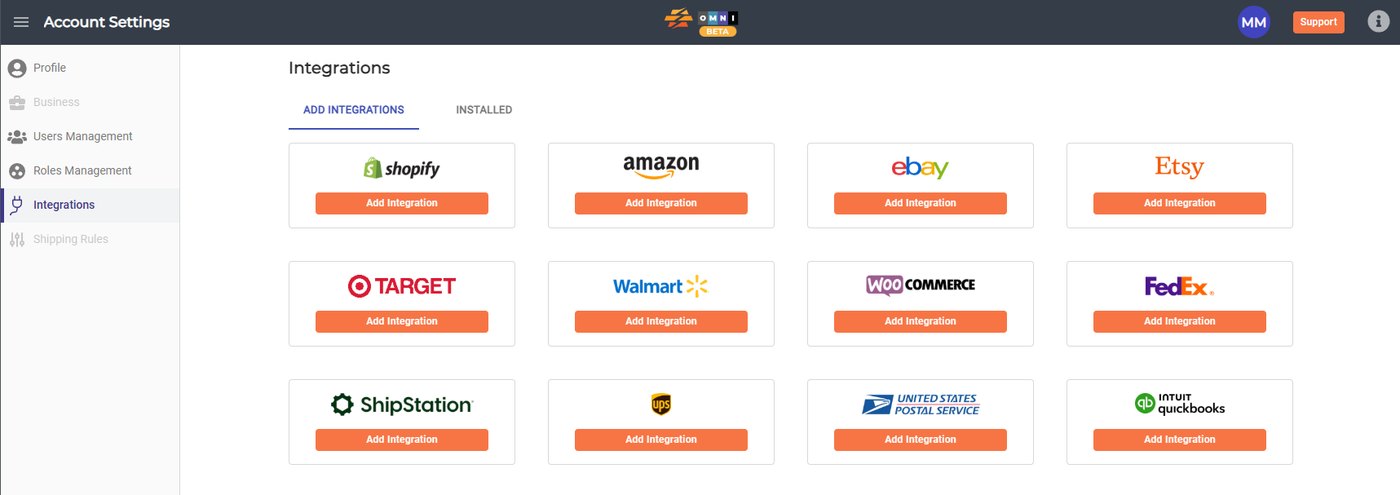
Channels, marketplaces and carriers connect themselves from account settings. EDI, ERP and other warehouse systems get built against your stack, then appear in the same list. Inventory sync starts switched off.
Pick your side of the record
These components are the mechanism. Each page below is the argument for what they change in a working operation.
-
3PLs
Every client, every building. One order line.
A client portal, the order line and the billing, on top of the warehouse system you already run.
Read the 3PL page -
Brands
Every channel, every warehouse. One record.
Every 3PL, warehouse and dropship vendor you use works one record, and you read it as of now.
Read the brand page -
Final mile
Deliver what your customer promised and prove it.
One job record for the office, the crew, the client and the buyer at the door.
Read the final mile pages -
Enterprise
Built to your network.
Custom connectors, EDI partners on your VAN, principal and tenant accounts, on an annual term.
Read the enterprise page
Where each piece shows up on the platform
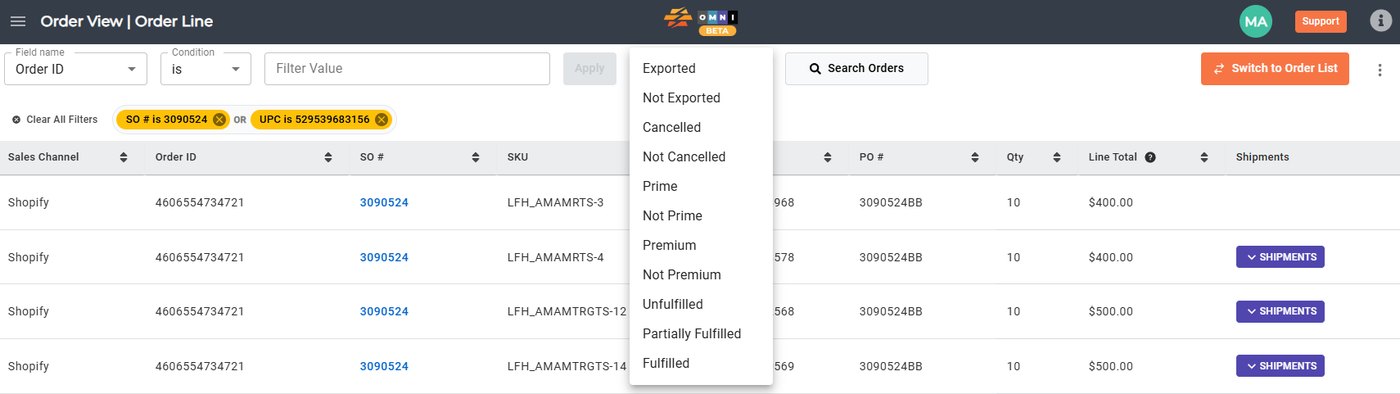
- Orders Every channel and every EDI order in one queue, filterable from any cell.
- Warehouses Counts from your WMS, a client’s WMS or ours, resolved into one list per zone.
- Billing One set of events, two rate cards, and why your client cannot be looking at different numbers than you.
- Cash Flow Which part of a ninety day billing cycle is contractual, and which part you can shrink.
- Integration Turnkey connectors, connections built for your stack, and inventory sync that starts switched off.
- AI Most questions need one number rather than a dashboard, and reports built against your own fields.
Where it sits
Bolt on. Nothing gets ripped out.
Your warehouse system
Stays the on hand master. The engines read it; they do not replace it. Where there is none, ours is light enough to stand up without IT.
Your channels and carriers
Stay connected the way they are. Balancer pushes quantities to them, Routes watches them for tracking and cost.
Your ERP and accounting
The book of record. Handed itemized orders and fees, not a reconstruction.
Which of these matter depends entirely on what you already run. The fastest way to find out is thirty minutes with your actual stack on the table. If you want the product in one page first, read the CommerceBlitz OMNI overview.
This is what we are thinking. Tell us how it works with your business. If it works, great. If it does not, we both learned something.