
Enterprise
Four warehouse systems, twenty tenants, two coasts. One record.
Enterprise is for the organization whose network does not fit a connector list: partner warehouses on different warehouse systems, merchants of your own under your brand, retailer EDI on the VAN, a TMS that only speaks flat files. The platform is the same one on this site. The implementation is built to your network, on an annual term, with the custom work priced as the work it is.
- Who this is for
A 3PL or 4PL running clients’ orders across partner warehouses. A distributor with buildings, dropship vendors and marketplaces. A brand group with several entities under one roof. Anyone with a warehouse system nobody has a turnkey connector for.
- What is different
Custom connectors to your warehouse systems, ERP and TMS. EDI trading partners mapped through your VAN. Principal and tenant accounts, each with its own roles and its own rate card. A dedicated account manager and an implementation plan with dates.
- What is not different
Bolt on. Your systems stay. Every tenant, partner and user works the same record, and the platform you get is the one on this site, not a fork.
For networks that need building, not configuring · CommerceBlitz OMNI Enterprise
Built to the network you have, not the one a template assumes.
Custom is a line item. Setup covers the branded portal, the turnkey connectors, the first onboardings and training. A connector to a warehouse system with no turnkey connector is its own line. Each EDI trading partner is its own line. Custom and EDI connections carry a monthly maintenance line for retailer mapping changes and API updates. You see what each piece bought.
Annual term, with dates. Enterprise runs on a twelve month minimum. The implementation plan names the integrations, the onboardings and the go live in order. The timeline depends on access to your systems and your partners’ systems, so that is the first thing we ask for.
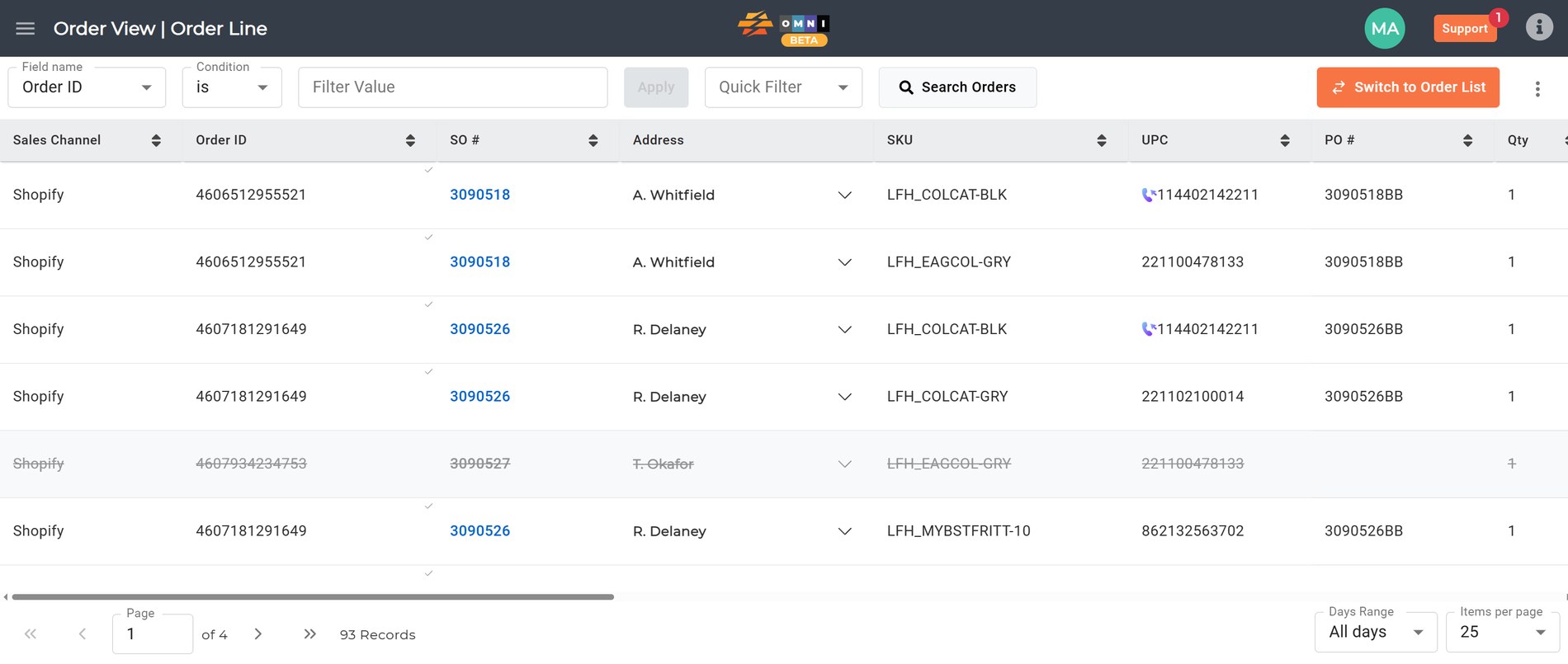
How an enterprise implementation goes
Four warehouse systems, one set of fields
With CommerceBlitz OMNI
Each partner warehouse keeps its warehouse system. We build the connection to each one, API where it exists, SFTP or flat file where it does not, and the record normalizes what comes back into one set of fields for inventory and fulfillment status.
Today
Four report formats on four schedules, and a spreadsheet that reconciles them by hand every week.
What the implementation delivers
One inventory and status view across all four, with each warehouse’s own field names mapped once.
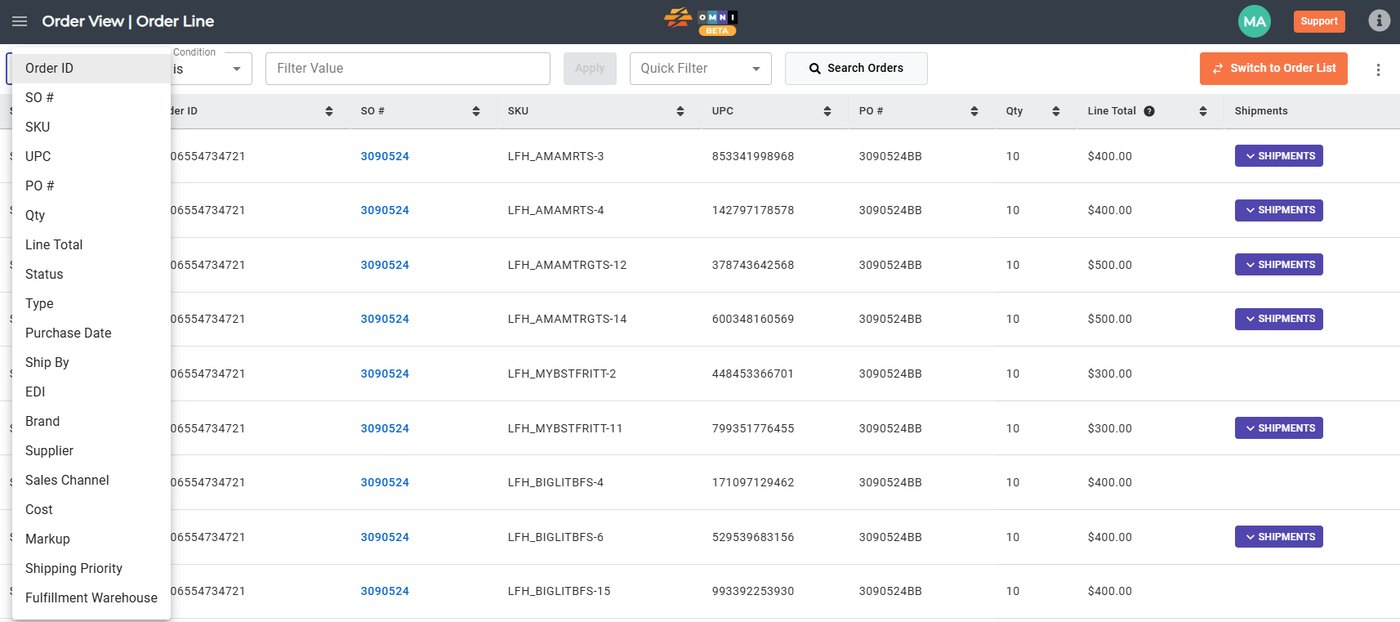
Principal and tenant
With CommerceBlitz OMNI
You are the principal. Each merchant or entity under you is a tenant with its own login, its own channel connections, its own roles and its own rate card. You read every tenant’s data across the whole network. Each tenant reads its own.
Today
One shared account, or a separate account per entity with no view across them, and billing built in a spreadsheet at month end.
What the implementation delivers
Every tenant’s orders, stock and invoice on one record. You read across all of them; each tenant reads its own slice.
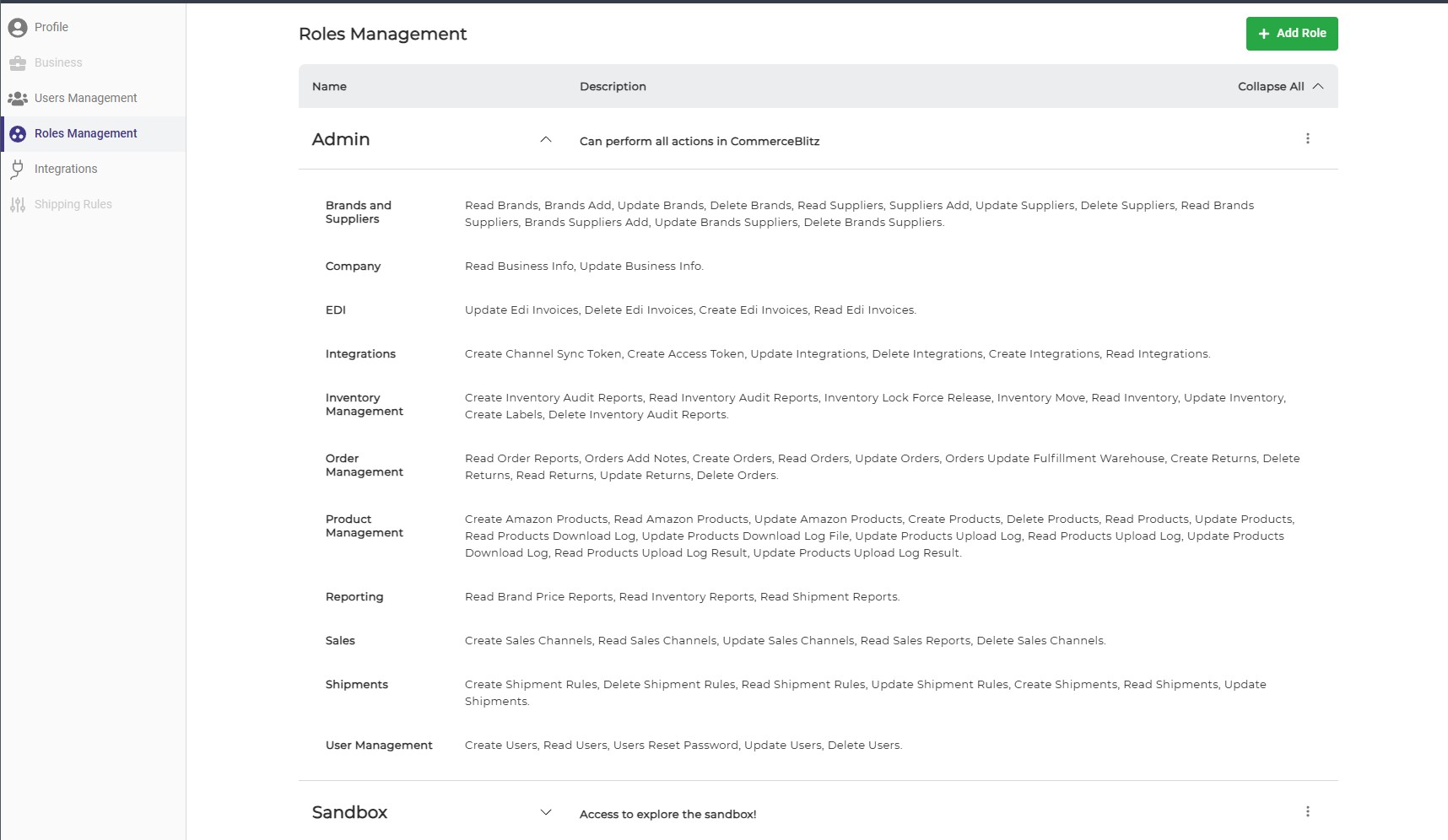
The retailer’s EDI, on your VAN
With CommerceBlitz OMNI
Each trading partner is mapped through the VAN and the EDI setup you already run: the purchase order in, the ship notice and the invoice out, the pick types to match. Retailer mapping changes are covered by the maintenance line.
Today
A new retailer is a new project, and the chargeback for the late ASN arrives before anyone knows the mapping broke.
What the implementation delivers
Retailer orders on the same line as everything else, ship notices out on time, and one place to look when a retailer changes its spec.
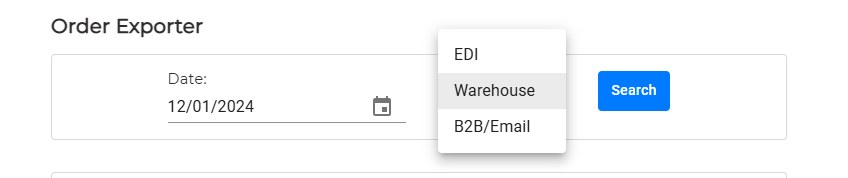
The system that cannot connect
With CommerceBlitz OMNI
A TMS or a legacy warehouse system with no API still joins the record with a scheduled file in and a file out, or with manual field entry where the volume is low. The order line does not wait.
Today
The one system nobody can integrate keeps the whole network on spreadsheets.
What the implementation delivers
Every building on the record, whatever it runs.
One set of events, two rate cards
With CommerceBlitz OMNI
Every fulfillment event, pick, pack, prep, storage, labor and freight, is a line on the order. Your partner warehouse bills you from its rate card against those lines. You bill each tenant from yours against the same lines. Both invoices come from the same data, so nobody rebuilds the month from a spreadsheet.
Today
The partner’s invoice, your invoice and the tenant’s question all describe the same month from three different counts.
What the implementation delivers
Itemized invoices per tenant on your cycle, built from the same events your partners billed you for.
The go live
With CommerceBlitz OMNI
The plan names the integrations, the onboardings and the go live in order. The ugliest account goes first, on one team with capped exposure, and the build completes to the same totals your books already show. Nothing is paid twice.
Today
A big bang cutover on a date picked before anyone looked at the data.
What the implementation delivers
A first week you can read the same way you will read the hundredth.
What is in an enterprise agreement
The branded portal, the turnkey connectors, the first onboardings and training. One line, and what it covers is written down.
A warehouse system, ERP or TMS with no turnkey connector, built as its own line, API or file based.
Mapped through your VAN, one line per retailer, with the pick types and the documents each retailer requires.
A monthly line that covers retailer mapping changes and API updates, so the connection built in month one still works in month twenty.
A twelve month minimum, billed monthly, quarterly or annually as the order form says, with tenant accounts added as you grow.
A dedicated account manager and an implementation plan with dates. Support levels and service levels are the ones written in the order form, not implied ones.
The engines under the record
Enterprise does not get different engines. It gets the same four, connected to more systems. The full write up of each engine is on the components page.
 What do we actually have?
Inventory from vendor portals, distributor feeds, spreadsheets, APIs, FTP and email, parsed and cleaned before anything downstream reads it.
 What can we actually sell?
The combined picture minus what is already committed, one number per SKU you can publish to every channel.
 Who gets to sell it?
One pool of stock allocated across storefronts by your rules, with thresholds that publish zero before an oversell.
 Who ships it, and did it ship?
Each order assigned by cost, geography and service level, in a hierarchy you define, with a fallback. Then Routes watches the channel, the warehouse system and the carrier account. When a tracking number appears anywhere, the order is marked shipped so nobody else ships it, and the shipment cost comes in from the carrier and lands on the order.
-
Partners get their own view
Every 3PL, carrier and dropship vendor a tenant uses works in its own account and sees only its own orders. The principal sees the whole board.
-
Catalog sync and report card
Products pull in from every tenant’s channels and get checked for SKU and UPC problems. The tenant fixes its own listings and resyncs.
-
Three way shipment audit
Routes checks every order against the warehouse system, the sales channel and the carrier, so nothing ships twice, no tracking goes unlogged, and the shipment cost lands on the order.
-
Texts from the order, not from a phone
Turn texts on for an order and the customer or the store gets the ship confirmation, the delivery window and a text when the order closes, in the tenant’s name. Replies land on the order.
-
White glove and final mile
The delivery that needs a crew is a ticket on the same line, with the photos and the sign off. See the final mile page.
-
Ask instead of pulling a report
Your team and your tenants ask a plain question about inventory, orders or shipments and get the answer. Runs in our own private cloud. Tenant data stays in.
Where each piece shows up on the platform.
- Orders Every channel and every EDI order in one queue, filterable from any cell.
- Warehouses Counts from your WMS, a client’s WMS or ours, resolved into one list per zone.
- Billing One set of events, two rate cards, and why your client cannot be looking at different numbers than you.
- Cash Flow Which part of a ninety day billing cycle is contractual, and which part you can shrink.
- Integration Turnkey connectors, connections built for your stack, and inventory sync that starts switched off.
- AI Most questions need one number rather than a dashboard, and reports built against your own fields.
- Components The four engines and the warehouse system, in the order they answer their questions.
Where it sits
Bolt on. Nothing gets ripped out.
Your warehouse systems
All of them. Each one stays the on hand master for its building. The record reads them side by side.
Your ERP and accounting
The book of record. Handed itemized orders and fees per tenant, not a reconstruction.
Your VAN and your retailers
Keep working as they do now. Trading partners get mapped through the setup you already run, not around it.
CommerceBlitz OMNI Enterprise carries every tenant’s orders across every warehouse in your network and out to each tenant as a record they can open. If you are not sure whether you need Enterprise or the standard setup, read the 3PL page or the brand page first; most networks fit one of those, and the ones that do not are the ones we are talking about here.
This is what we are thinking. Tell us how it works with your business. If it works, great. If it does not, we both learned something.